Início > Perguntas frequentes >
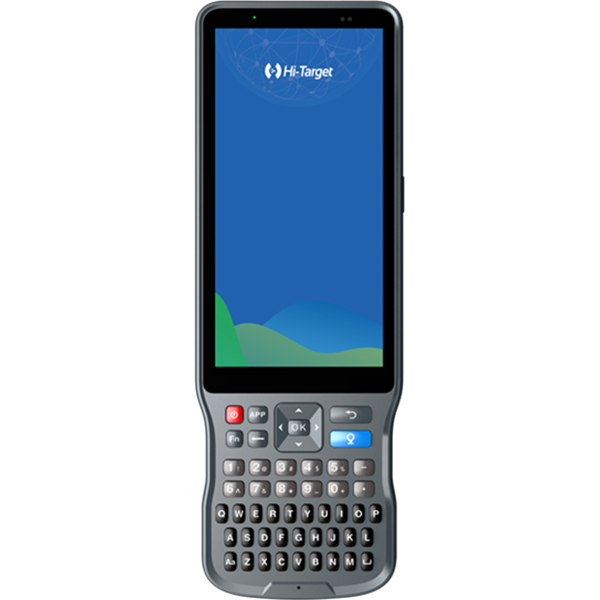
【Hi-RTK】Como importar pontos para o Hi-RTK?

【Hi-RTK】Como importar pontos para o Hi-RTK?

1.Prepare a *.txt file that contain the points details in a correct format.
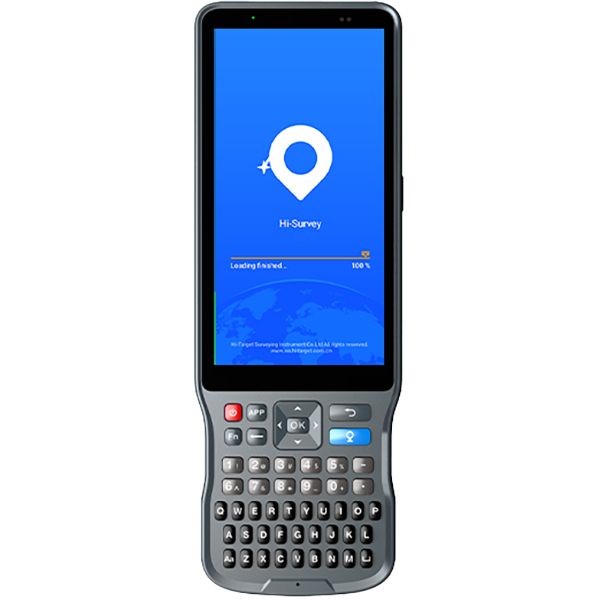
2.Click “Survey”and chose the point library you want.
3.Then click the last second buttons at the bottom of interface.
4.Make sure the points file was copied into your controller,find it out in a location/path.
5.Choose the points file. Click OK.

Compartilhar:
Este site utiliza cookies e tecnologias relacionadas, conforme descrito em nossa política de privacidade, para fins que podem incluir análise de desempenho do site, experiência aprimorada do usuário ou publicidade. Você pode optar por consentir com o uso deles ou gerenciar suas próprias preferências.

DiscordoConcordar