

























Início > Perguntas frequentes >
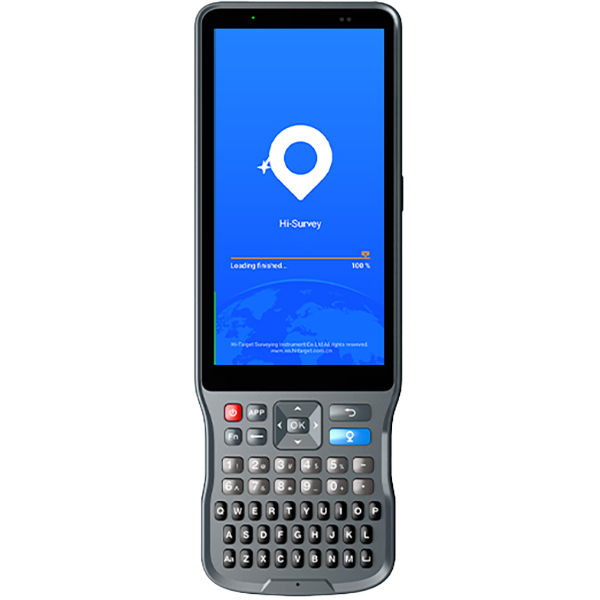
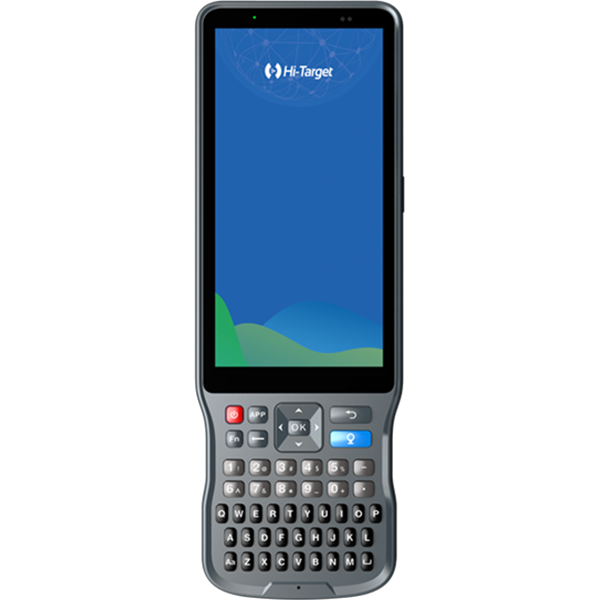
【Ihand20】Como restaurar o controlador iHand 20 às configurações de fábrica?
【Ihand20】Como restaurar o controlador iHand 20 às configurações de fábrica?
Compartilhar:
17 de novembro de 2020
【Ihand20】Como atualizar o sistema operacional do Ihand20?
17 de novembro de 2020