
























Cómo utilizar la función de medición de señal débil en el V700S SLAM RTK
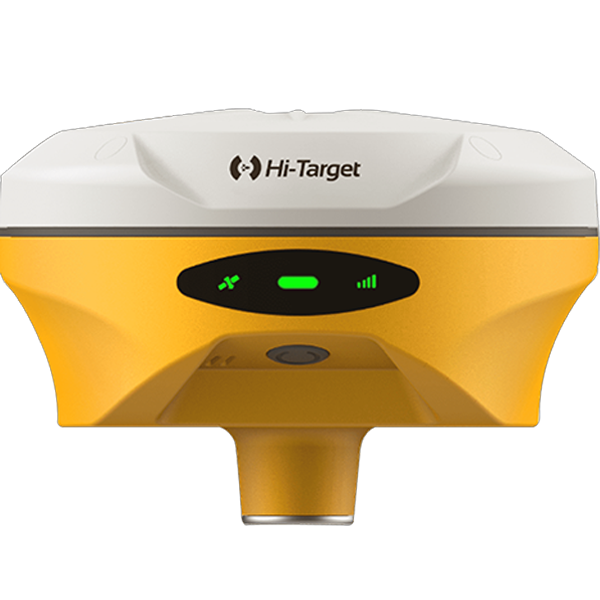
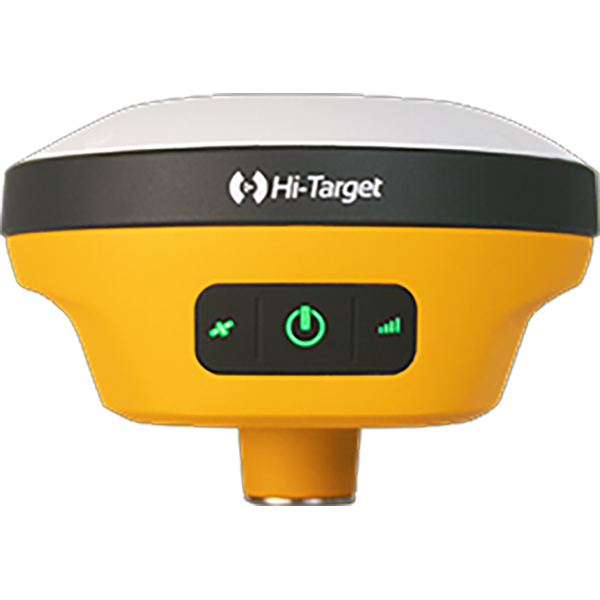
Hoy te mostraré cómo medir con precisión en áreas sin GNSS usando el V700S SLAM RTK.
Ahora, ¡comencemos!
• Cómo ingresar al modo SLAM-RTK
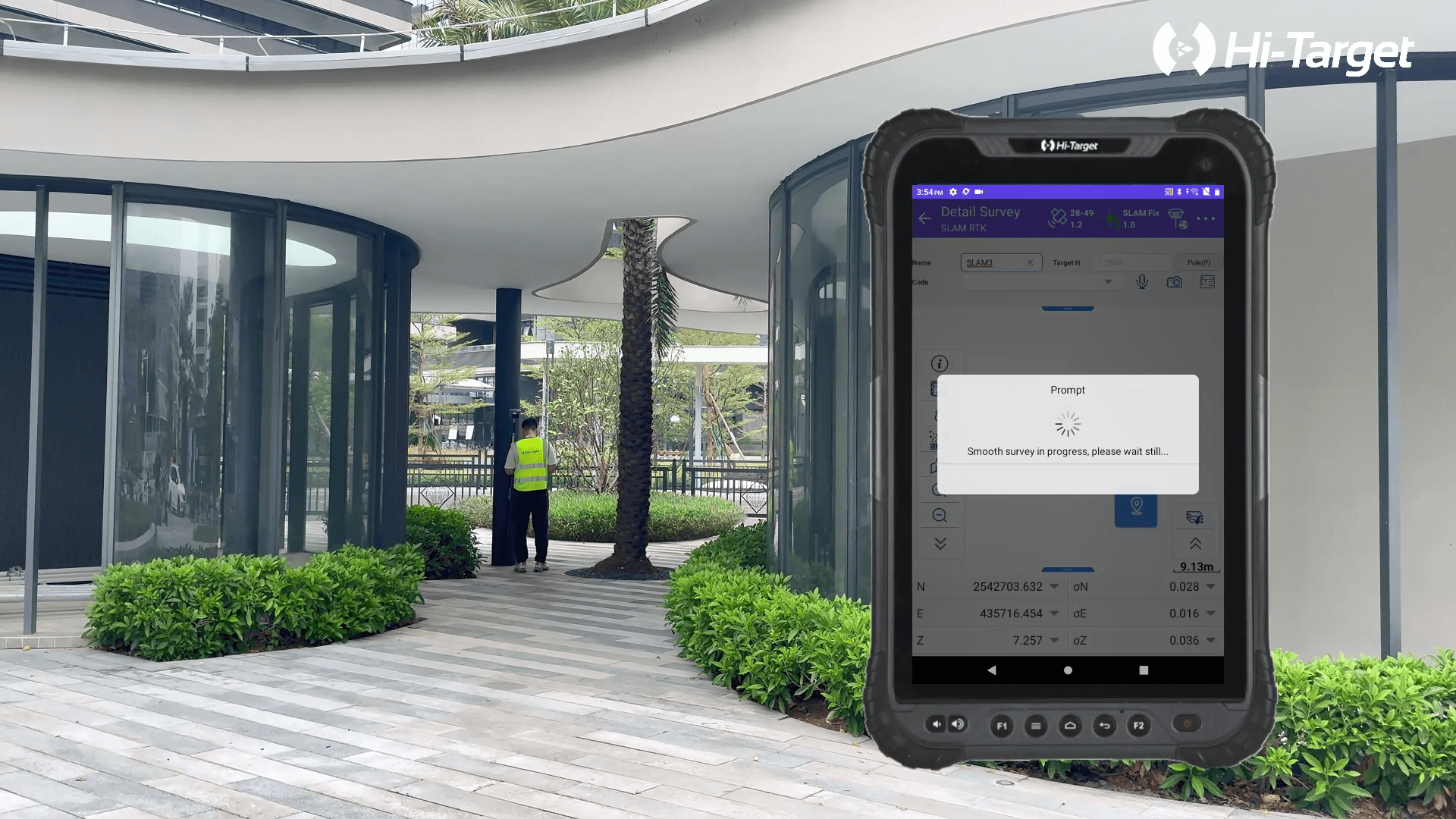
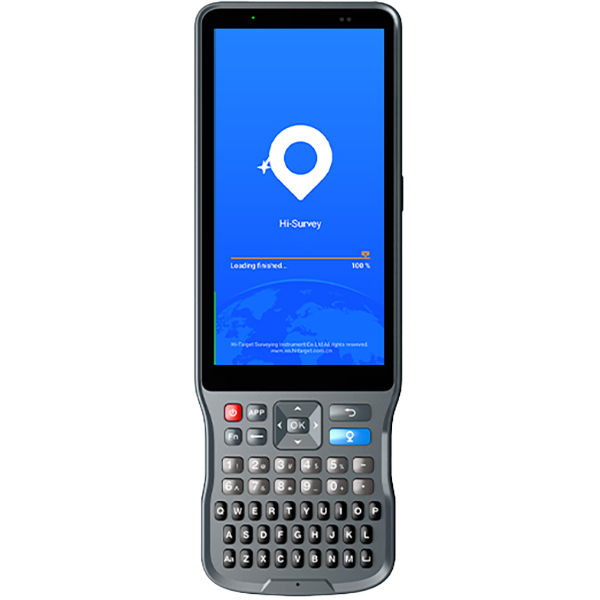
Primero, conéctese al receptor vía wifi con la tableta. Tras configurar el móvil y recibir la solución RTK Fix, toque "Estudio detallado". Antes de entrar en el modo SLAM RTK, ajuste la altura de la antena y manipule la batería correctamente. A continuación, haga clic en la función SLAM en la barra de herramientas izquierda y seleccione "Modo SLAM-RTK".
• Cómo realizar la inicialización correcta (trayectoria en forma de L/Z)
Antes de la inicialización, asegúrese de que el LiDAR esté despejado y orientado hacia una zona con características arquitectónicas distintivas. Mantenga el dispositivo inmóvil de 3 a 5 segundos y luego comience a moverse. Siga una trayectoria en forma de L o Z durante la inicialización. Por lo tanto, puede caminar en línea recta de 5 a 8 metros y luego girar 90 grados para continuar el movimiento.
• Cómo garantizar la estabilidad del SLAM-Fix en túneles, sótanos, áreas interiores y debajo de aleros
Durante la inicialización, asegúrese de estar en un área abierta, moverse a un ritmo constante y evitar sacudidas repentinas.
Una vez completada la inicialización, el instrumento ingresará al modo SLAM-Fix, luego podrá comenzar su medición en áreas de señal débil.
• Cómo comprobar los puntos de medición etiquetados con SLAM después de la inspección
Una vez completada la medición, puede ver directamente estos puntos desde la biblioteca de puntos y se podrá ver un ícono SLAM delante del punto de medición en el modo SLAM RTK.