























Common Hardware Troubleshooting for Robotic Total Stations
(1)What should be done if the device fails to respond when powered on or shuts down abnormally?
Check the battery charge level and attempt to replace the battery.
If using an external power supply, verify that the cable is intact, the connectors are secure, and the adapter voltage is correct.
Inspect whether the battery compartment’s spring contacts are making proper connection.
If all the above prove satisfactory, the Android motherboard may be faulty and require replacement.
(2)What should be done if the lower centre camera or laser cannot be activated?
Ensure the laser red spot is visible through the instrument base.
Adjust the exposure settings on the left side of the interface to achieve a clear image.
If the prompt ‘Camera connection failed’ appear, restart the interface or the instrument.
If the issue persists, the camera or Android board requires repair or replacement.
(3)No data displayed for the compensator?
Check whether the instrument is levelled and whether the compensation range exceeds 6′.
Restart the instrument and observe whether the electronic bubble is functioning correctly.
If the issue persist, the compensator circuit board requires repair or replacement.
(4)Angle measurement anomaly or vertical angle displaying negative values?
Check whether the instrument is levelled and whether the compensator has excessive deviation.
Inspect the dial sensor signal and clean the encoder disc.
A negative vertical angle typically indicates an incorrect i-angle setting, which can be resolved by resetting the i-angle.
(5)Unable to measure distance or experiencing significant measurement errors?
Verify the correct configuration of measurement units.
Check whether the three coaxial axes exceed permissible limits.
Inspect the operational status of the aperture reduction motor and internal/external optical pathways.
If the distance-measuring optical axis exhibit misalignment, return for adjustment.
If the distance-measuring plate be damaged, replace the distance-measuring plate.
(6)What should be done if I cannot connect to the radio station?
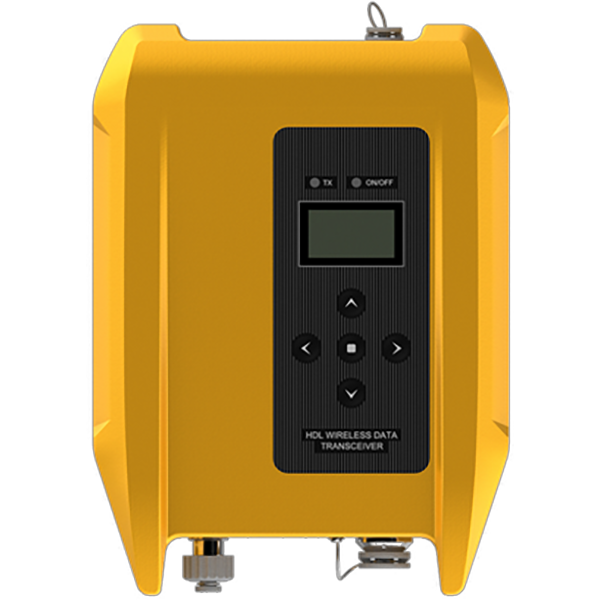
Ensure the host device and control box are set to the same channel number.
If connection is possible at close range but frequently disconnects at a distance, this may indicate channel interference; attempt to change the channel.
If the issue persist, the motor driver board will require repair or replacement.
(7)Optical tilt survey exhibits low accuracy and significant fluctuations.
First, activate the tilt survey switch and verify that the base coordinate data updates in real time. Initialise the IMU by walking. If initialisation fail, switch the tilt measurement off and on again, then walk once more until the IMU initialises successfully.
Confirm the height of the measuring rod is correct and the prism is mounted correctly.
(Note: Use only our company’s prism to ensure accuracy.)
If accuracy remains poor, perform online IMU calibration by rotating the centring rod as guided by the software prompts.
(Note: Online calibration must be conducted in tracking measurement mode whilst continuously measuring the prism’s position.)