Home  > FAQ  >
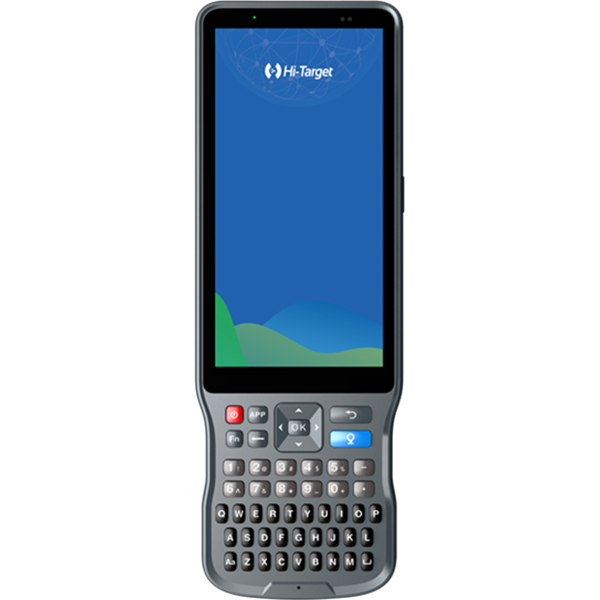
What should I do if the computer cannot find the controller disk after connecting the controller to the computer with a data cable?

What should I do if the computer cannot find the controller disk after connecting the controller to the computer with a data cable?

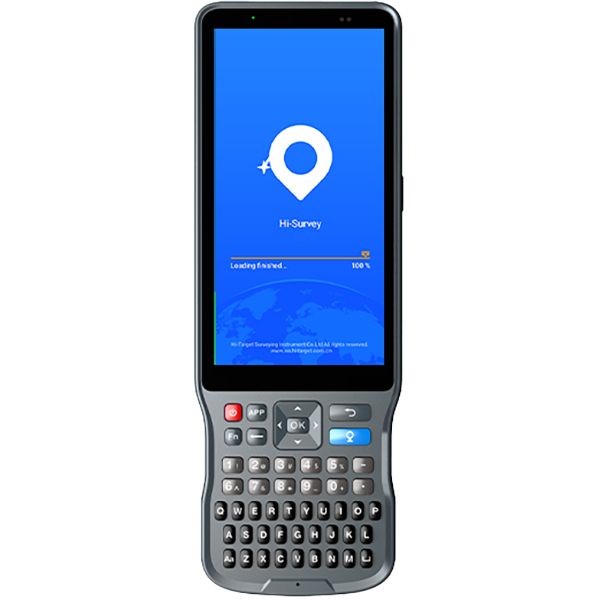
After connecting the controller to your computer with a data cable, select File Transfer on the controller. We recommend using the standard data cable.

Note: If File Transfer mode isn’t enabled after connecting, enable USB debugging in Settings > System > Developer Options on the controller’s home page and reselect File Transfer mode.

Share:
This site uses cookies and related technologies, as described in our privacy policy, for purposes that may include site performance analysis, enhanced user experience or advertising. You can choose to consent to their use or manage your own preferences.

DisagreeAgree