

























Frequently Asked Questions
Find quick answers to the most common questions about our products, services, and support.
Common Hardware Troubleshooting for Robotic Total Stations
(1)What should be done if the device fails to respond when powered on or shuts down abnormally?
(2) What should be done if the lower centre camera or laser cannot be activated?
(3) No data displayed for the compensator?
(4) Angle measurement anomaly or vertical angle displaying negative values?
(5) Unable to measure distance or experiencing significant measurement errors?
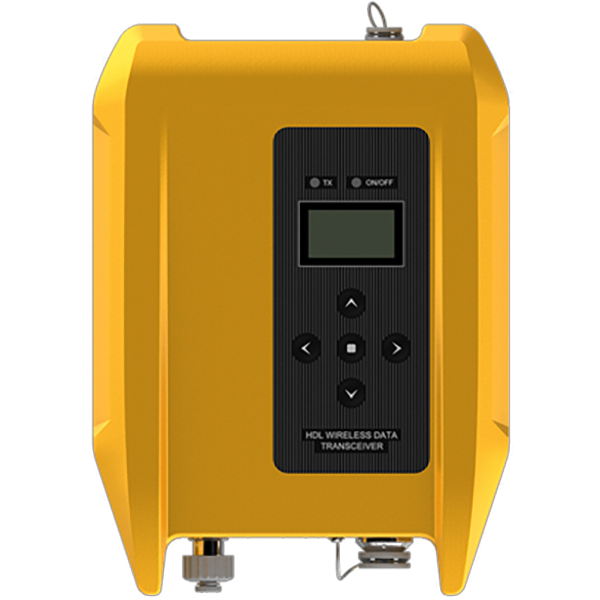
(6) What should be done if I cannot connect to the radio station?
(7) Optical tilt survey exhibits low accuracy and significant fluctuations.
How RTK Technology Improves Tractor Auto-Steering Systems in Precision Agriculture
Precision agriculture is transforming modern farming. Farmers today need to produce more food while reducing labor, input costs, and environmental impact. To achieve this, many farms rely on advanced positioning and guidance technologies.
One of the most important technologies behind modern agricultural navigation and auto-steering systems is Real-Time Kinematic (RTK) positioning.
RTK technology provides centimeter-level accuracy for farm machinery, allowing tractors, sprayers, and harvesters to follow precise paths across the field. With this level of positioning accuracy, farmers can reduce overlaps, optimize input usage, and significantly improve field efficiency.
So what exactly is RTK technology, and why is it essential for modern tractor navigation systems?
How Tractor Auto-steering System Improve Modern Agricultural Efficiency
Modern agriculture is experiencing continuous transformation. Labor shortages, unpredictable weather conditions, and the increasing demand to produce more with fewer resources are pushing farmers to adopt precision technologies. As a result, modernising agricultural machinery has become an important strategy for improving field efficiency and operational accuracy.
Instead of purchasing expensive new equipment, many farmers choose to upgrade their existing tractors by installing advanced control and navigation technologies.
Among these technologies, the auto-steering system has become one of the most important tools in modern precision agriculture. By integrating automated guidance systems into tractors, farmers can significantly improve field consistency and operational efficiency. These systems are widely used for tasks such as row crop management, tillage, spraying, planting, and other operations that require high precision across large farming areas.
How to Use the Weak Signal Measurement Function on the V700S SLAM RTK
In this step-by-step tutorial, you’ll learn:
• How to prepare your setup
• How to enter SLAM-RTK Mode
• How to perform correct initialization (L-shape / Z-shape walking path)
• How to ensure stable SLAM-Fix in tunnels, basements, indoor areas & under eaves
• How to check SLAM-tagged measurement points after surveying
How to Use the SLAM-Image Survey Function on the V700S SLAM RTK
We show you how to use the V700S SLAM-Image Survey Mode to capture precise points — directly from a photo.
Clink V700S SLAM RTK Operation Video Tutorial
What does a V700S SLAM RTK System package include? What is the price of the complete set?
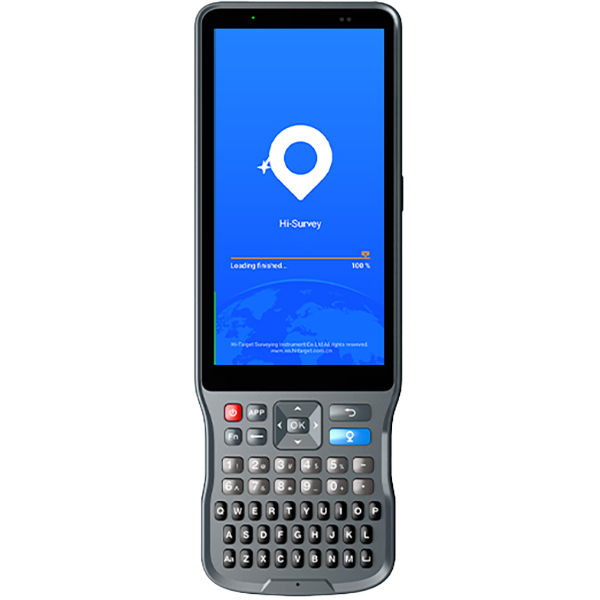
The package mainly includes the V700S SLAM RTK and Qpad X9 tablet, along with their accessories. Please note that if point cloud data post-processing capabilities are needed, the software needs to be purchased separately. For pricing details, please send a query through the ‘Contact Us’ on the Hi-Target official website.
After scanning the stockpiles with the V700S, can the fieldwork software directly calculate and output the volume results?
Yes, V700S supports selecting the area for volume calculation directly in the Hi-Survey software using real-time point cloud data, setting a reference elevation or reference plane to calculate the volume, and exporting the earthwork data in CSV format.
After initializing the SLAM mode, why are those points I collected not recorded with coordinates in the geodetic coordinate system?
When entering SLAM mode in a non-GNSS environment, collected points will only record spatial Cartesian coordinates XYZ.; In an outdoor open environment, after initialization, it is necessary to move more than 5 meters to calculate the geodetic coordinates.