

























How to Use the SLAM-Image Survey Function on the V700S SLAM RTK
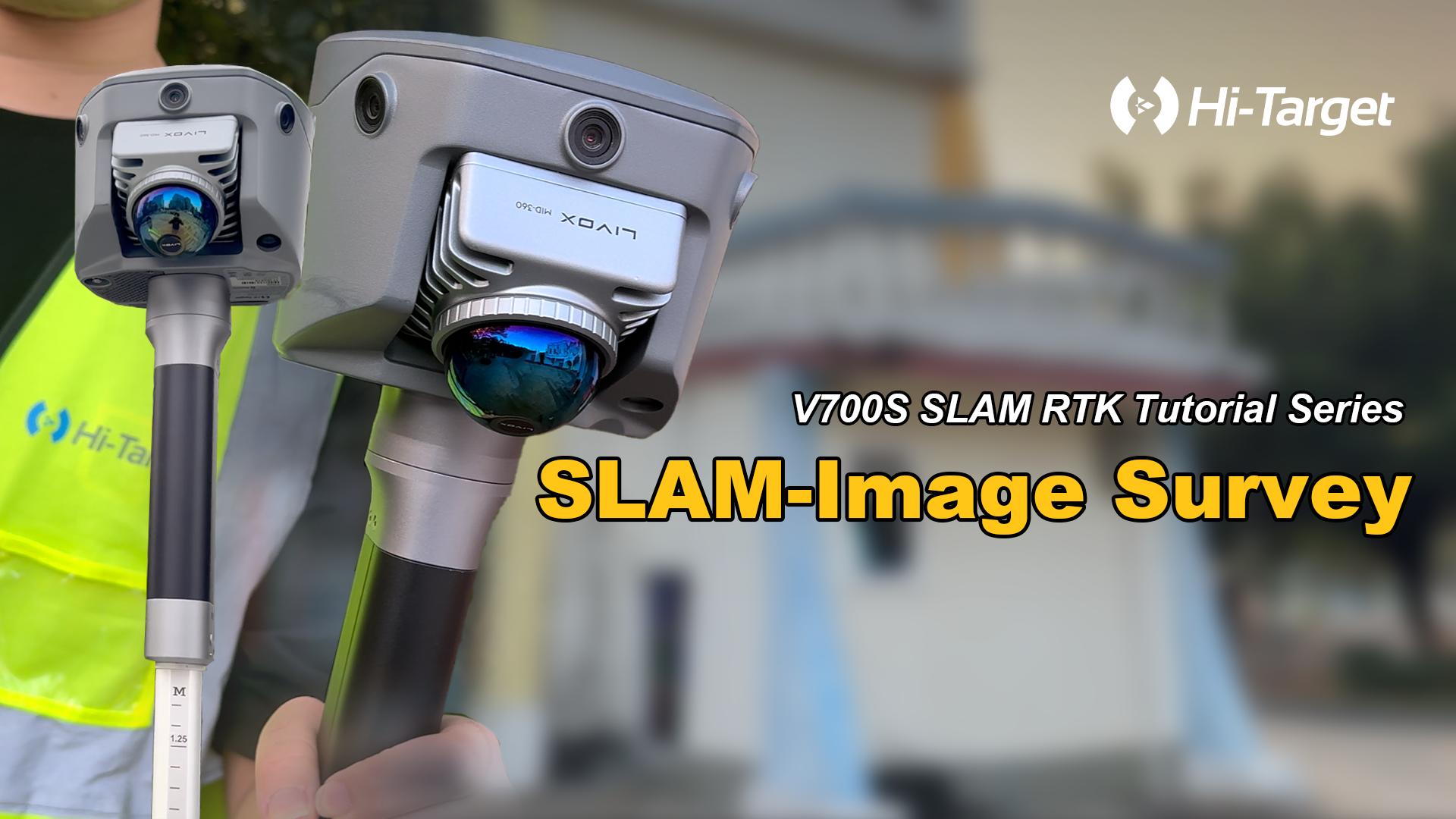
We show you how to use the V700S SLAM-Image Survey Mode to capture precise points — directly from a photo.
In this step-by-step guide:
🔹 How to enter SLAM-Image Survey Mode
🔹 How to complete SLAM initialization with a quick L-shaped walk
🔹 How to capture photos and pick measurement points with simple taps
🔹 How to measure multiple points directly on one image for fast, efficient work
Just aim, take a photo, select your point — done. ✔
Clink V700S SLAM RTK Operation Video Tutorial
Share: