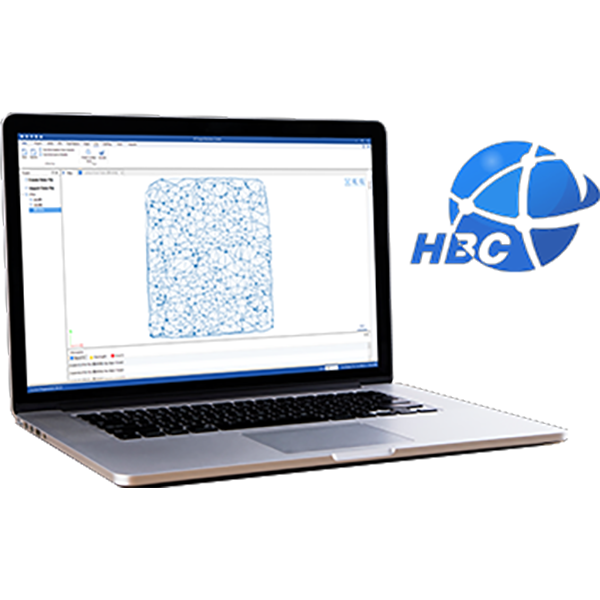
1.Run Hi-Net Server Software,to Tools Update with post diff result.
2.Mark on use log file, then click on change to enter Post-Processing interface.
3.Import Base raw data and Rover raw data. Input the known point coordinates of Base station.
4.Click onselect, create a file name for the result file, and then click on calculate,wait for finished. The program would process and generate a post-processed file (.log).
5.After processing finished, click on Add .prj to import Hi-Q project;then click on load and update, the processed result would apply to the project.
【Hi-Net Server】Import the Rinex files into HiNet Server for Post Processing.pdf
Share:
November 17, 2020
【Hi-Net Server】How to convert SHP to xbw format
November 17, 2020