Home  > FAQ  >
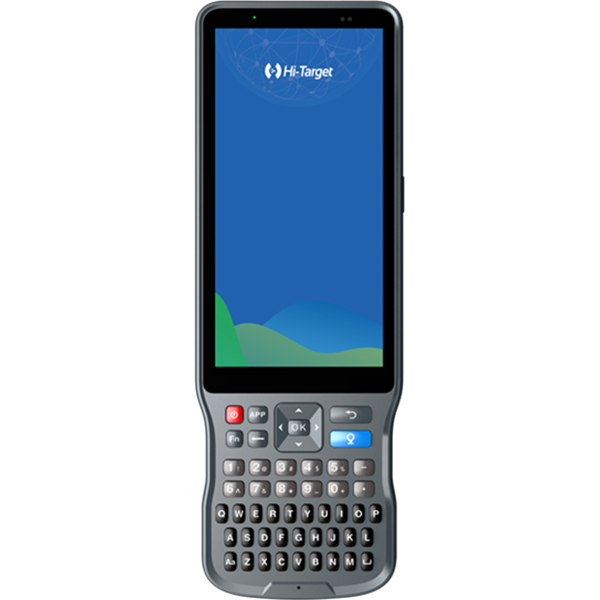
【Qstar,Qmini,Hi-Static】How to connect the Qstar,Qmini with GNSS Receiver?

【Qstar,Qmini,Hi-Static】How to connect the Qstar,Qmini with GNSS Receiver?

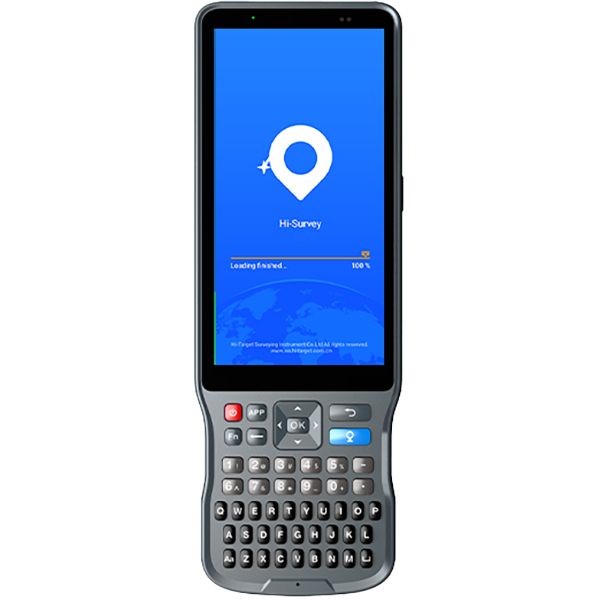
1.Device Bluetooth connecting Start controller, connect GPS through Bluetooth.Click Add new device, search for Bluetooth device.Choose the number of the receiver, click Next and enter the pass code (1234). Then click Next.Click COM Ports,and then click New Outgoing Port.Select your receiver, click Next, choose a port, and then click Finish. 2.Software connecting Start Hi-Static software, click Connect, to connect your receiver.Set the right parameters.

Share:
This site uses cookies and related technologies, as described in our privacy policy, for purposes that may include site performance analysis, enhanced user experience or advertising. You can choose to consent to their use or manage your own preferences.

DisagreeAgree