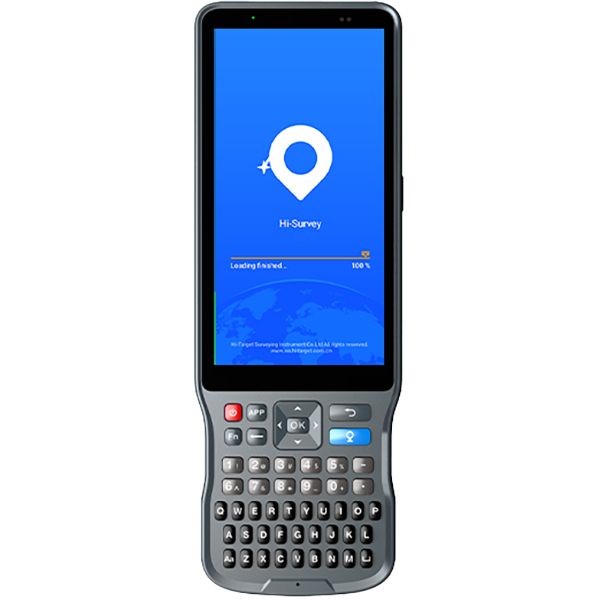
1.Open the software, click Setting. Choose or input the corresponding parameters in Ellipsoid and Projection.
2.Click System and choose Coordinate Calculater to calculate the parameters.
3.Click add to ioport the points, the From means the source coordinate and the “To” means the local coordinate.Import the number of points according to your convert model and click save.
4.Chose the Convert Model and click Resolve.and apply.
5.Then coordinates will be converted to the local coordinates automatically while do survying.
【Hi-RTK】How to calculate the parameter in Hi-RTK?
Share:
November 18, 2020
【SurveCE】How to find the RSP file in SurvCE?
November 18, 2020