Home  > FAQ  >
In the external radio 1+1 mode, what should I do if the Rover displays a Auto solution?

In the external radio 1+1 mode, what should I do if the Rover displays a Auto solution?

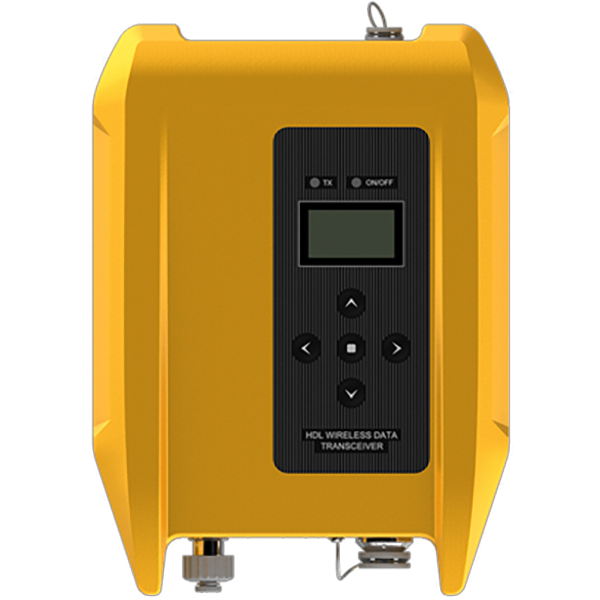
In external radio 1+1 mode, the Base transmits differential data to the high-power external radio via a 5-pin cable. The external radio broadcasts the data, and the Rover receives it. Troubleshooting steps are as follows:

1) Verify that the Base is transmitting differential signals properly by observing whether the signal light on the Base is flashing normally. If the Base is not transmitting differential signals, reconfigure the Base.

2) Verify that the external radio is transmitting signals by observing whether the TX/RX lights on the external radio are flashing normally. If not, it indicates that the radio is not transmitting differential signals. Check the 5-pin data cable for abnormal transmission and the battery level (a flashing power light indicates a low battery level).

3) Verify that the Rover is equipped with a radio antenna (the radio antenna is approximately 30 cm long and flexible).

4) Verify the Rover data link. In external radio 1+1 mode, the Rover uses the internal radio to receive differential signals. Therefore, select the internal radio for the data link. Keep the radio protocol and channel settings consistent with the external radio.

The Hi-Target 19200 protocol is recommended. Note: The transmission distance of the radio signal is affected by the environment. It is recommended that the Base be located in an open area with no obvious obstacles between the Base and the Rover.

Share:
This site uses cookies and related technologies, as described in our privacy policy, for purposes that may include site performance analysis, enhanced user experience or advertising. You can choose to consent to their use or manage your own preferences.

DisagreeAgree