Home  > FAQ  >
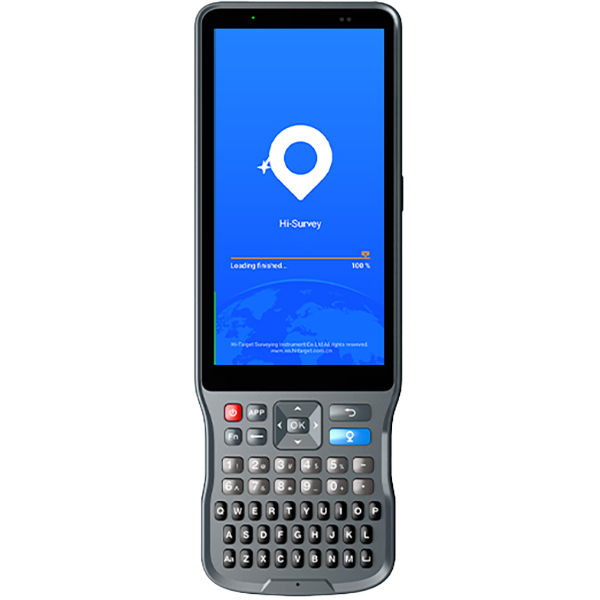
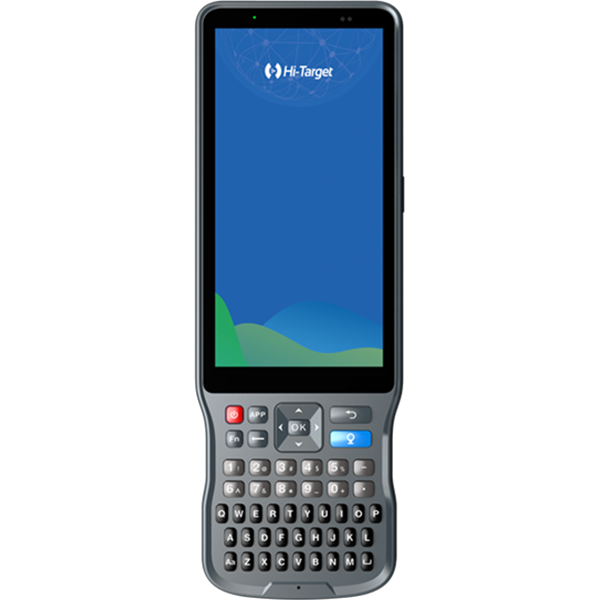
【Qmini】How to update the QminiMP OS ?

【Qmini】How to update the QminiMP OS ?

1.Prepare a formatted TF card and copy the firmware to it.
2.Install the SD card into QminiMP and put in the battery.
3.Then press the two keys in the left side of the device and the power key to start the updating.

Share:
This site uses cookies and related technologies, as described in our privacy policy, for purposes that may include site performance analysis, enhanced user experience or advertising. You can choose to consent to their use or manage your own preferences.

DisagreeAgree