Home  > FAQ  >
【V30,SSCOM3.2】How to reset V30 BlutTooth?

【V30,SSCOM3.2】How to reset V30 BlutTooth?

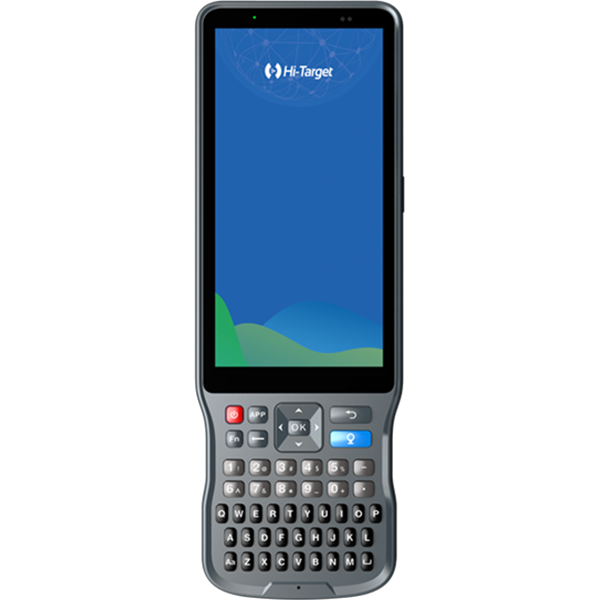
1.Turn on V30. Upgrade V30 firmware to 4.8version. Super long pressing F1 to reset motherboard.
2.Connect V30 with PC by serial port of GC-3 data cable.
3.Start SSCOM3.2 software in the reset Bluetooth file.
4.Click send button to send resetting order.
5.Disconnect V30 with PC. Restart V30 and then the Bluetooth number is reset into the fuselage(S/N).

Share:
This site uses cookies and related technologies, as described in our privacy policy, for purposes that may include site performance analysis, enhanced user experience or advertising. You can choose to consent to their use or manage your own preferences.

DisagreeAgree