






















Products
Tutorial Videos
Webinar
News & events
Experience Hi‑Target’s Smart AgriTech at AGROTECH 2026 in Poland
100台限定!Hi-Target FARMSTAR-F3 無料体験スタート
Hi-Target to Exhibit at FIMA Agrícola 2026 in Spain
Meet Hi-Target at AGROEXPO 2026 in İzmir,Türkiye
Case Study
Building Facade Survey for Urban Renewal
V700S SLAM RTK in Real Estate Surveying: 7 Minutes to complete a Full-Floor 3D Scan
One Lake, One Small USV, 250,000 Square Meters of Secrets
Precision Surveillance: HD-SAR300 Radar Monitoring Solution at Wuhai Longchang Coal Mine
FAQ
How to Use the Weak Signal Measurement Function on the V700S SLAM RTK
In this step-by-step tutorial, you’ll learn:
• How to prepare your setup
• How to enter SLAM-RTK Mode
• How to perform correct initialization (L-shape / Z-shape walking path)
• How to ensure stable SLAM-Fix in tunnels, basements, indoor areas & under eaves
• How to check SLAM-tagged measurement points after surveying
How to Use the SLAM-Image Survey Function on the V700S SLAM RTK
We show you how to use the V700S SLAM-Image Survey Mode to capture precise points — directly from a photo.
What does a V700S SLAM RTK System package include? What is the price of the complete set?
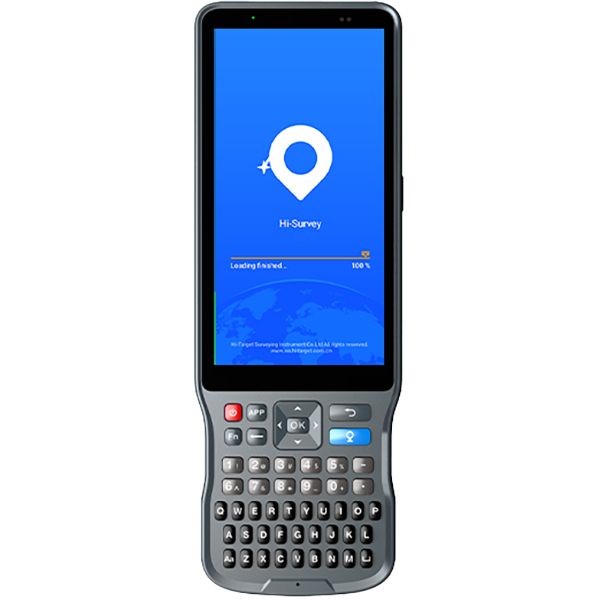
The package mainly includes the V700S SLAM RTK and Qpad X9 tablet, along with their accessories. Please note that if point cloud data post-processing capabilities are needed, the software needs to be purchased separately. For pricing details, please send a query through the ‘Contact Us’ on the Hi-Target official website.
After scanning the stockpiles with the V700S, can the fieldwork software directly calculate and output the volume results?
Yes, V700S supports selecting the area for volume calculation directly in the Hi-Survey software using real-time point cloud data, setting a reference elevation or reference plane to calculate the volume, and exporting the earthwork data in CSV format.