Home  > FAQ  >
How to switch the input method of the handheld software and how to call out the virtual keyboard?

How to switch the input method of the handheld software and how to call out the virtual keyboard?

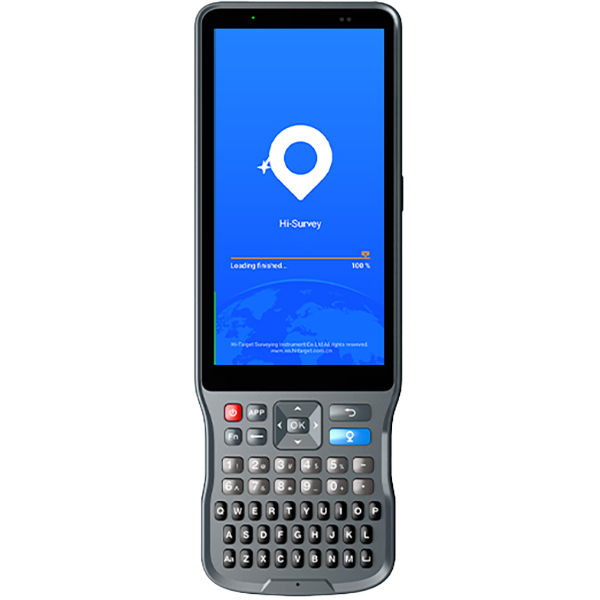
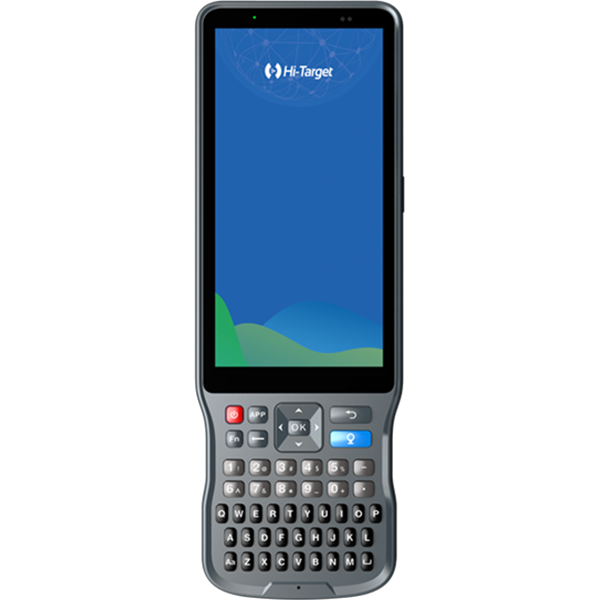
Press and hold the FN key on the controller to switch between different input methods. The soft keyboard will automatically pop up after switching. If the soft keyboard still does not pop up after switching to Google Input, you can download the latest installation package of Google Input Method online to upgrade.

Share:
This site uses cookies and related technologies, as described in our privacy policy, for purposes that may include site performance analysis, enhanced user experience or advertising. You can choose to consent to their use or manage your own preferences.

DisagreeAgree