Home  > FAQ  >
What should I do if the online upgrade fails to detect the new version?

What should I do if the online upgrade fails to detect the new version?

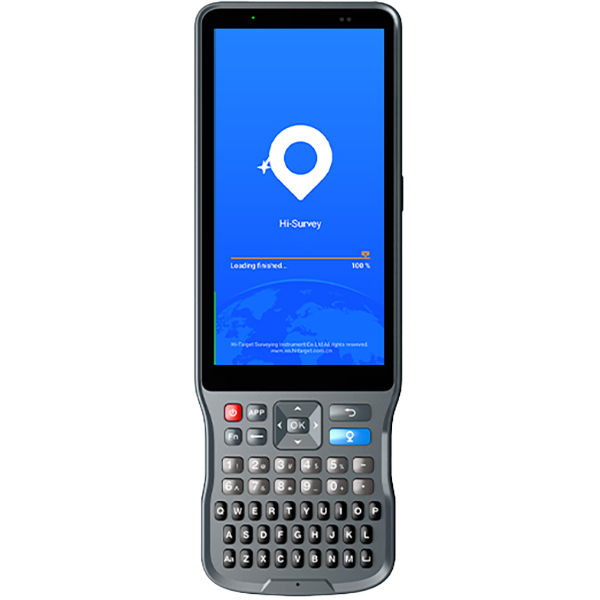
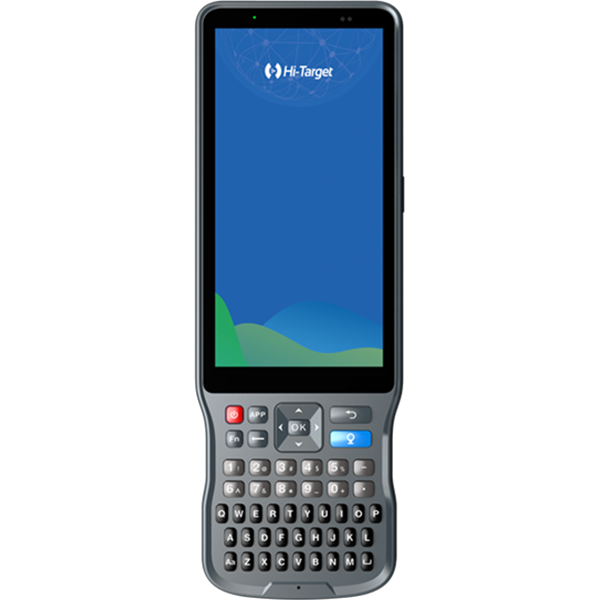
When new versions of the controller software and host firmware are pushed for upgrade, click Check for Updates on the controller software to retrieve the new version information. If no new version is detected, possible reasons include:

1) The controller’s network is abnormal or the current network is poor. Change your location or try again at another time.

2) The current software version is too old to be able to perform an online upgrade. In this case, copy the installation package to the controller and manually upgrade.

Share:
This site uses cookies and related technologies, as described in our privacy policy, for purposes that may include site performance analysis, enhanced user experience or advertising. You can choose to consent to their use or manage your own preferences.

DisagreeAgree