


Frequently Asked Questions
Find quick answers to the most common questions about our products, services, and support.
What should be paid attention to during the initialization process of SLAM-RTK mode and SLAM image measurement mode?
During the stationary step, avoid significant shaking of the RTK device and keep the receiver still for 3-5 seconds; point it towards features such as buildings and other objects with rich characteristics, and avoid pointing it towards moving vehicles, crowds, or open fields.
During the moving step, choose a relatively open and unobstructed scene to ensure reliable GNSS accuracy; it is recommended to walk in an L-shape or Z-shape path, avoiding straight lines; the longer the walking distance, the better the initialization effect.
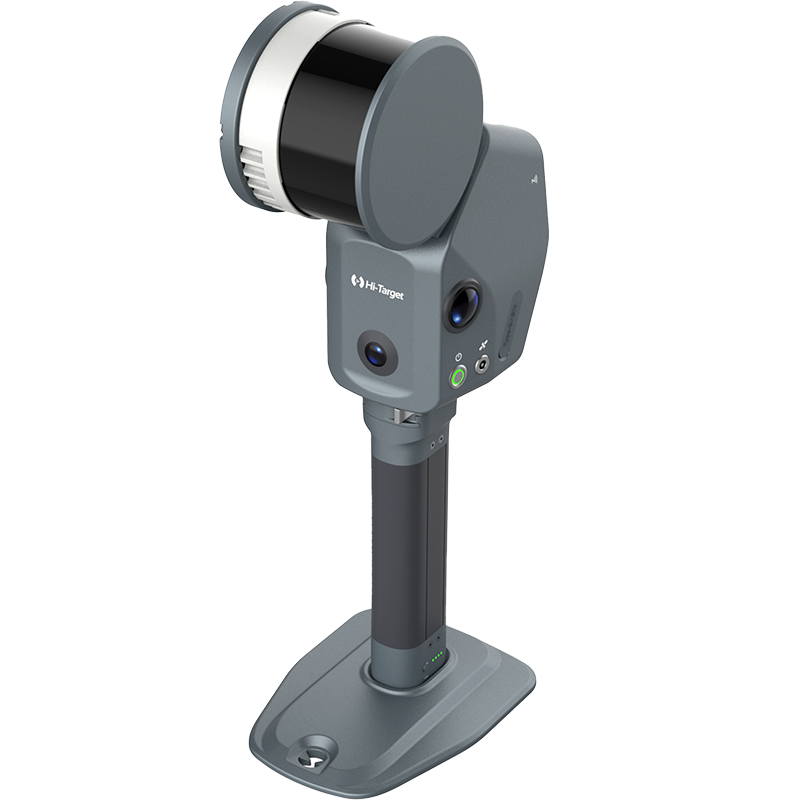
What are the differences and advantages of V700S SLAM RTK compared to traditional RTK?
Laser-based reverse engineering technology allows for measurements even in weak GNSS signal environments; SLAM image measurement technology supports non-contact measurement; it combines SLAM scanning functionality, offering high integration, long battery life, and simple operation (scene adaptive, no control points required, no loop closure needed, consistent indoor and outdoor coordinate system); and supports rapid stockpile volume measurement without the need for post-processing.
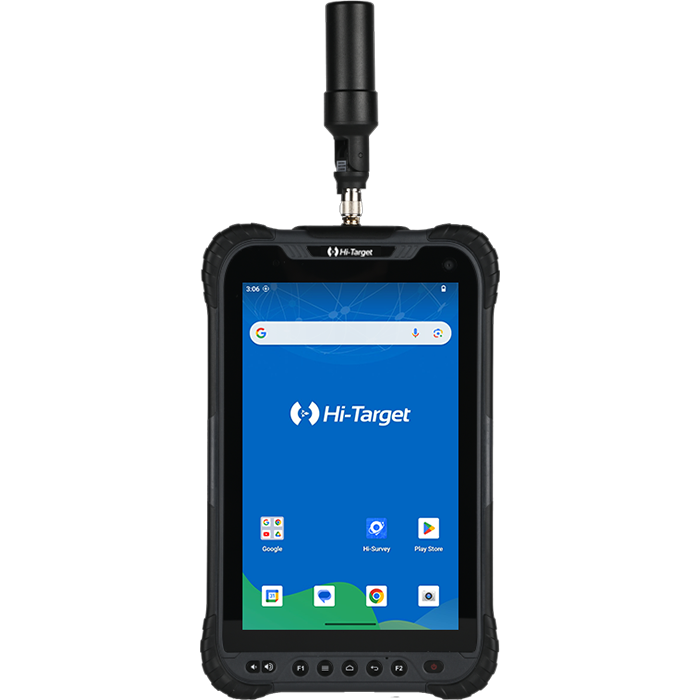
The controller cannot connect to RTK via Bluetooth
If the controller cannot connect to the RTK Bluetooth, you can clear the Bluetooth pairing record, search for the Bluetooth number again, and then pair and connect again.
How do I delete RTK static observation files?
The Static disk of the RTK device is read-only, so static files cannot be manually deleted directly from the Static disk. Use Hi-Survey software to connect to the device and delete static files in Static/Static File Management.
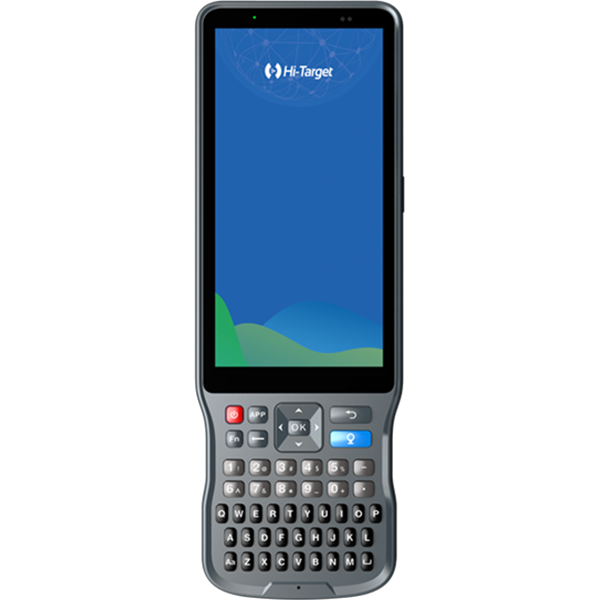
How to switch the input method of the handheld software and how to call out the virtual keyboard?
Press and hold the FN key on the controller to switch between different input methods. The soft keyboard will automatically pop up after switching. If the soft keyboard still does not pop up after switching to Google Input, you can download the latest installation package of Google Input Method online to upgrade.
What should I do if the online upgrade fails to detect the new version?
When new versions of the controller software and host firmware are pushed for upgrade, click Check for Updates on the controller software to retrieve the new version information. If no new version is detected, possible reasons include:
1) The controller’s network is abnormal or the current network is poor. Change your location or try again at another time.
2) The current software version is too old to be able to perform an online upgrade. In this case, copy the installation package to the controller and manually upgrade.
When staking out, prompts are displayed for front, back, left, and right. How can I set prompts for east, south, west, and north?
The stakeout prompts are divided into front-back and north-south directions. The old version of the software (below V3.0.5) can switch the layout prompt direction through the measurement configuration. The new version of the software can switch the north-south direction and front-back direction by sliding the layout prompt information bar left and right.
What should I do if the stakeout point import fails?
When importing data, ensure that the import content in the import template exactly matches the fields in the file you are importing, no more and no less. If it doesn’t, the import will fail. (Special note: For file content: “Roll Name, E, N, Z,” the corresponding field options are: Roll Name, Description, E, N, Z. If the Description field is empty, you can select a null value field, but this is not the same as a space.)
If the file fields are correct, the encoding format of the imported data file may be inconsistent with the encoding format used by the software to read the file. You can create a new file, copy the content to the new file, save it in the default format, and then import it.