

Frequently Asked Questions
Find quick answers to the most common questions about our products, services, and support.
【V30,HGO】How to set v30 antenna height by HGO?
Please refer to the bellow file
【Hi-Survey Road, V90Plus】How to get started with Tilt Survey?
1.Calibrate electronic bubble. (Connect V90 Plus in Hi-Survey Road software,then find Electronic bubble calibration in “Others” to do the calibrate).
2.Calibrate direction sensor.
3.Calibrate attitude deviation.
3.Do survey.(Auto collecting by “bubble is center”).
【Hi-Survey,HGO,Hi-PPK】How to register the software of Hi-Target?
Please refer to the bellow file.
【V30,Hi-RTK】How to set V30 Antenna Height in Hi-RTK ?
1.Check the Antenna measurement explanation.
2.In “Set rover antenna” interface, chose the right antenna take position.
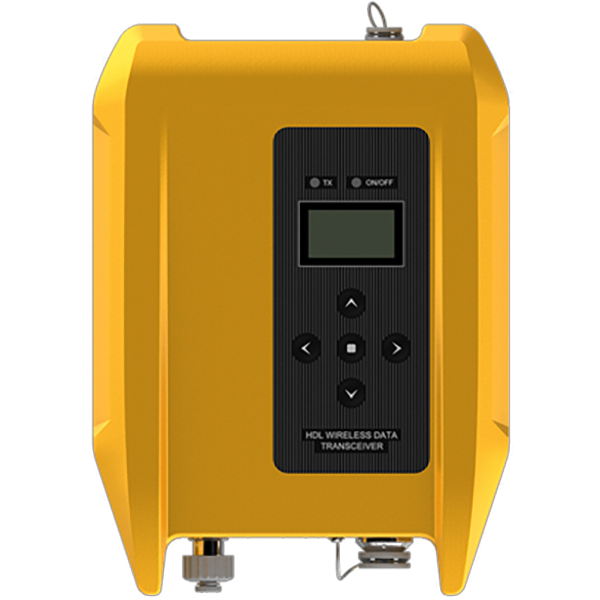
【External radio】How to get external radio work with reciever
1.Set rover via Hi-RTK software,change Sky BuateRate(Linkrate)to 9600.
2.Change external radio Sky BauteRate.(Please refer to the bellow file).
【V30】How to solve the problem of V30 failed to send correction?
1.Make sure the registration code is not invalid.
2.Check whether base position coordinate and the parameters are correct or not.
3.Check whether base has tracked the satellites.
4.Long press the F2 to test whether the radio module is avaliable or not.
【V30,SSCOM3.2】How to reset V30 BlutTooth?
1.Turn on V30. Upgrade V30 firmware to 4.8version. Super long pressing F1 to reset motherboard.
2.Connect V30 with PC by serial port of GC-3 data cable.
3.Start SSCOM3.2 software in the reset Bluetooth file.
4.Click send button to send resetting order.
5.Disconnect V30 with PC. Restart V30 and then the Bluetooth number is reset into the fuselage(S/N).
【HGO】How to do stop and go post-processing by HGO?
1.Open the HGO software to found new project and input the project info.Then define the coordinate system.
2.Click【Import Files】, import the observe file, choose the form of the observe file.
3.Import RSP file and add station coordinate.
4.Click process all to calculate the stop-go data.
5.Check the calculating report.